
JJSploit is a Windows Roblox exploit and Lua executor. It is known for free access and a straightforward interface. However, one question comes up repeatedly: is JJSploit a virus, or is it safe to install?
The answer depends on the specific file you download. An antivirus warning should not automatically be dismissed as a false positive, and a clean URL report does not prove that an executable is safe. Here is how to understand the warnings and check a download before making a decision.
Table of contents
Why does Windows Defender flag JJSploit?
Exploit tools are designed to interact with another program’s process, including injecting code or accessing memory. These behaviors can also appear in malicious software, so they may trigger antivirus detection.
Obfuscation can make a program harder to inspect, but it does not establish that a file is harmless or protect an account from a ban. Without analysing the exact file and the detection itself, it is not possible to say that every warning is a false positive.
How to check a JJSploit download source
Many websites distribute files using the JJSploit name. Check the source and the destination of the download link carefully. A familiar name or a professional-looking website alone is not proof of safety.
Avoid misleading download buttons, unexpected redirects, and unrelated installers. Download JJSploit for Windows from our website and find the setup details on the homepage.
How to scan JJSploit before installing
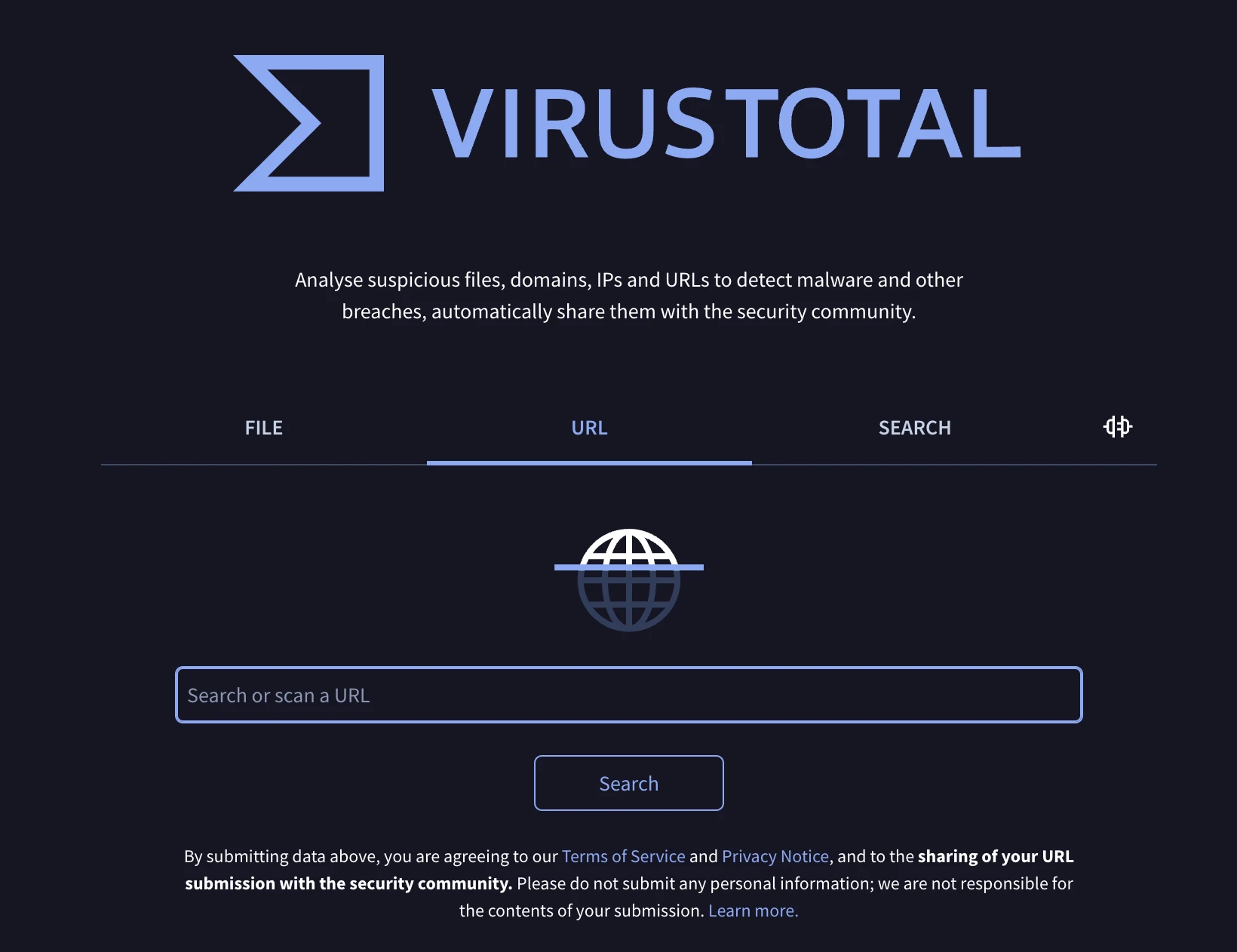
VirusTotal brings together results from multiple security vendors. It can help you investigate a suspicious download, but checking a URL and checking a file are different tasks.
- Open VirusTotal. Select URL to check the download link, or File to submit the downloaded executable without running it.
- Paste the link or choose the file you want to inspect. Do not submit private or confidential files.
- Start the check and wait for the report to finish loading.
- Read the detection results, analysis date, and available details. For a file report, confirm that the file hash matches the exact download you are checking.
What does the supplied scan show?
The screenshot below shows a VirusTotal URL report for the download address on this website. At the time shown, 0 of 93 vendors flagged that URL.
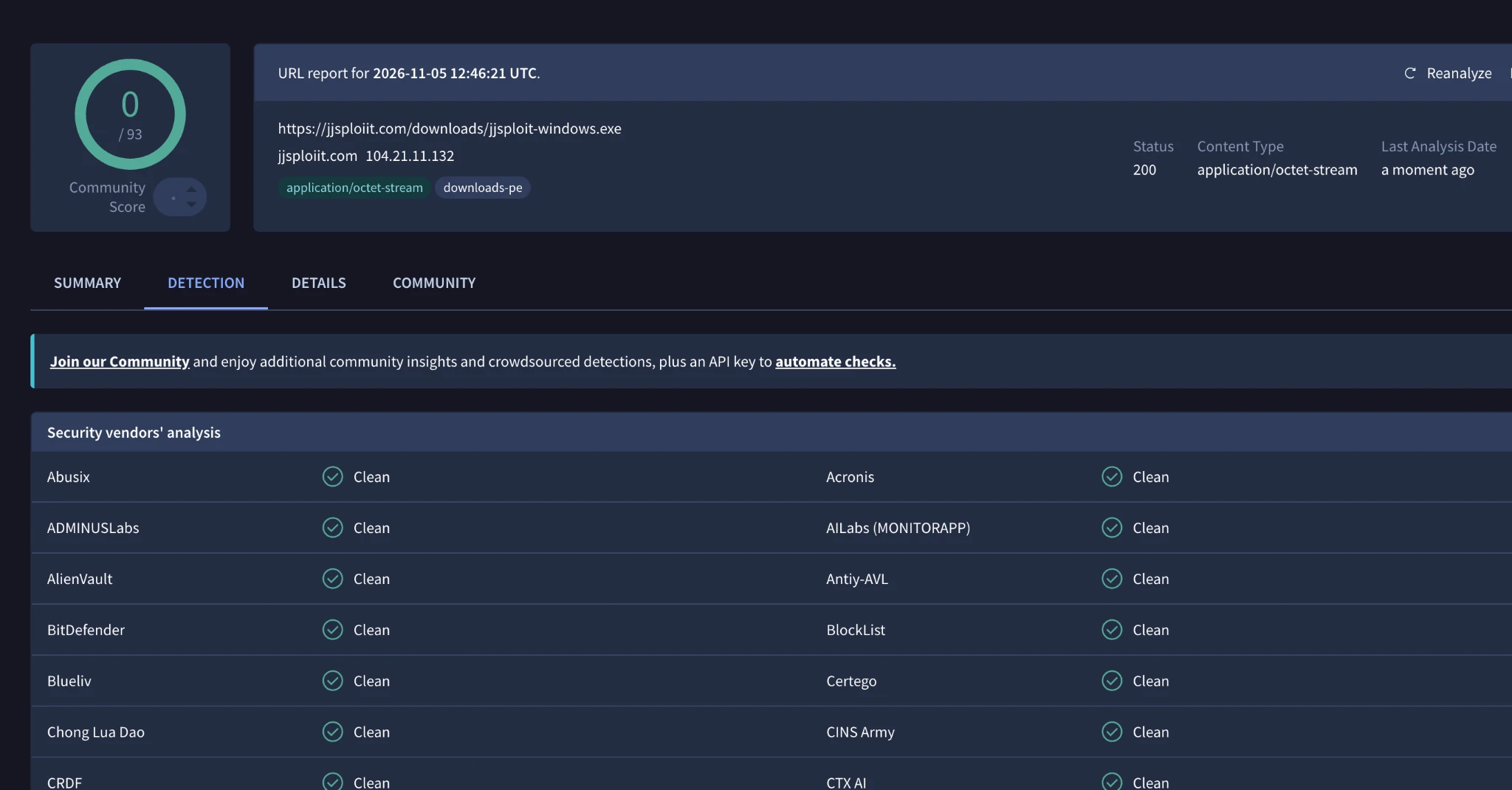
The report applies to this download URL on the date shown. URL reports and executable-file reports are different: VirusTotal explains the distinction.
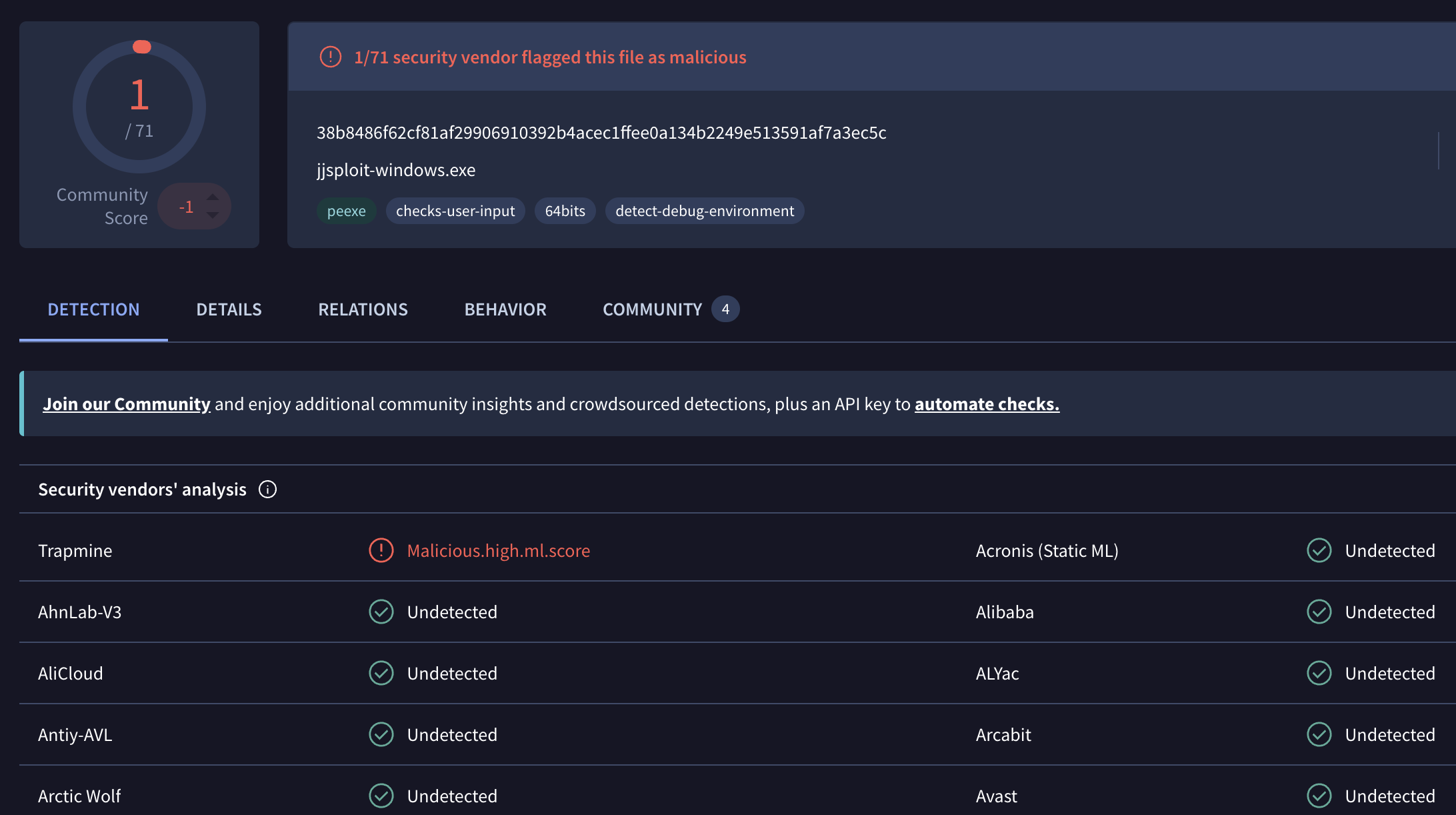
Previous file scan: 1 of 71 detections
This screenshot is for the previous 6 October 2026 download. Our download was updated to the official 27 October 2026 build on 5 November; the report below applies to the previous file.
The supplied VirusTotal file report for jjsploit-windows.exe shows that 1 of 71 security vendors flagged the file. The detecting vendor is Trapmine, with the label Malicious.high.ml.score. The other visible vendor entries show “Undetected”. This is a file report, separate from the URL report above.
Why might a modified app be flagged?
Only 1 of 71 vendors flagged the file in this report. A modified app can sometimes trigger a generic detection, and this result may be a false positive. The Trapmine label shown here does not name a specific malware family.
You can download JJSploit for Windows from our website. For more about how detections can be corrected, see VirusTotal’s false-positive guidance.
How to install JJSploit on Windows
Use the Windows download on our homepage to get JJSploit and follow the setup instructions for your version.
- Go to the Windows download.
- Save the Windows file to your PC.
- Open the downloaded file and follow any on-screen setup instructions.
- Once setup is complete, open JJSploit.
What does a JJSploit attaching error mean?
An attaching message means the tool has not connected to the Roblox process. It is a connection or compatibility issue; the message by itself says nothing about whether a downloaded file is safe.
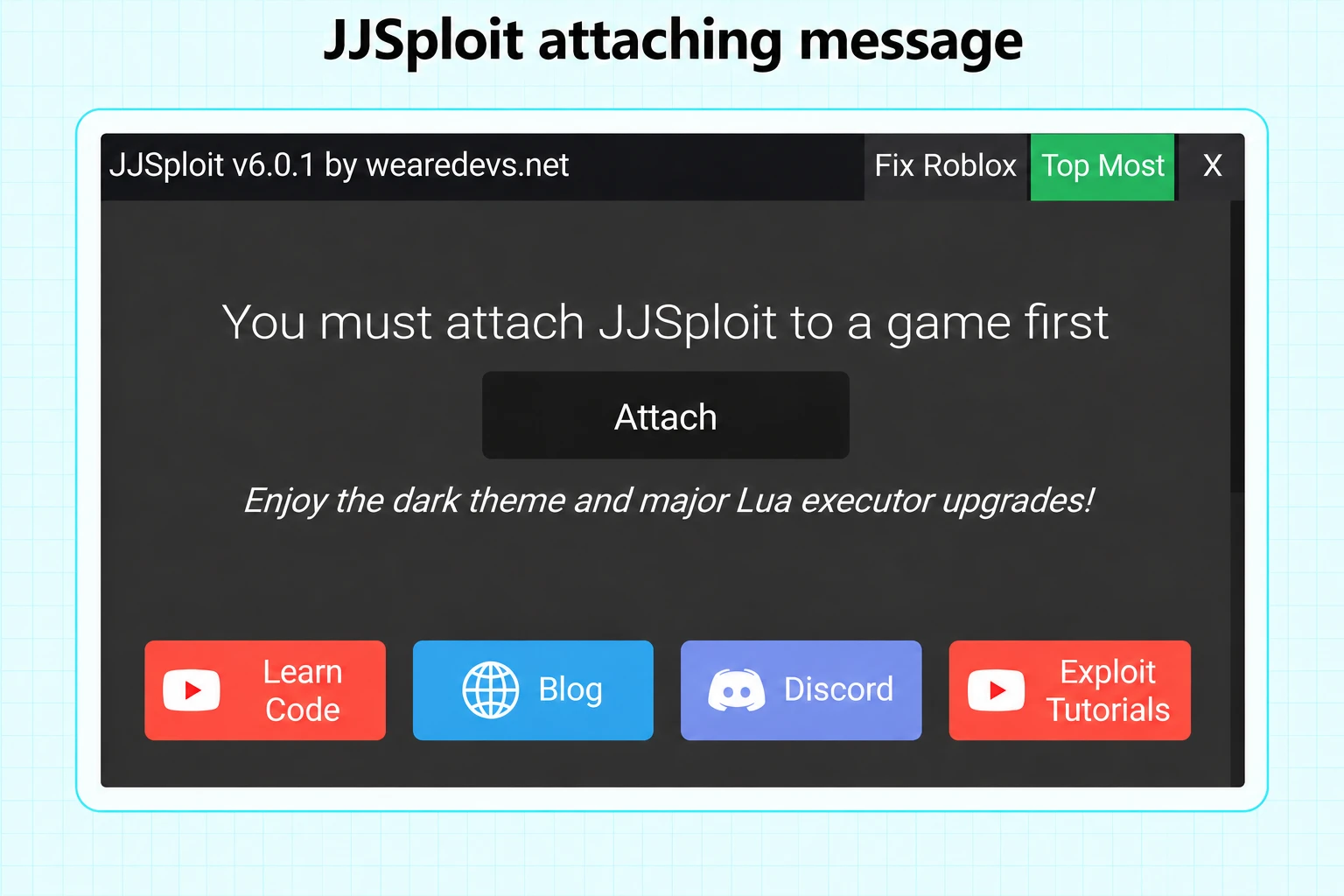
Before reinstalling anything, note the exact error and check whether the installed versions are compatible. Restarting the application can help identify a temporary issue. If Windows reports a missing Visual C++ runtime, use the Visual C++ Redistributable downloads from Microsoft. A runtime package is not a guaranteed fix for an attaching error.
Avoid following instructions to disable antivirus protection as a routine connection fix. If the problem continues, stop and check the software’s support information instead of repeatedly running an unverified installer.
So, is JJSploit a virus?
The screenshots above record the earlier URL and file reports, with 0/93 and 1/71 detections respectively. The single file detection may be a false positive. Our Windows download now serves the official 27 October 2026 build; those earlier scan results apply to the previous download. You can find the updated file on our JJSploit homepage.
There is also a separate account risk: Roblox states that cheating and exploiting violate its Terms of Use and can lead to account deletion. A clean malware scan does not remove that risk.
Download JJSploit for Windows
Visit our homepage for the Windows download, features, and setup guide.
Download JJSploit